
Buster's Briefings
Dr Dabber Switch 2 Review: Is It Worth Upgrading From the Original Switch?
In this bag
TL;DR
The Dr Dabber Switch 2 is a concentrate e-rig with induction heat and a built-in infrared sensor that reads insert temperature in real time. Temperature runs from 250 to 650 degrees F in 1-degree steps, up from 25 power steps on the original Switch. The 20mm quartz insert holds about three times as much as the original cups. Dr Dabber rates it at up to 30 heating cycles per charge with pass through charging and a 2 year electronics warranty. The app now has six Dynamic Heating Modes, including a custom curve editor that launch reviews never covered. Upgrade from the original if you use concentrates only. Skip it if you rely on dry herb mode or need something portable.
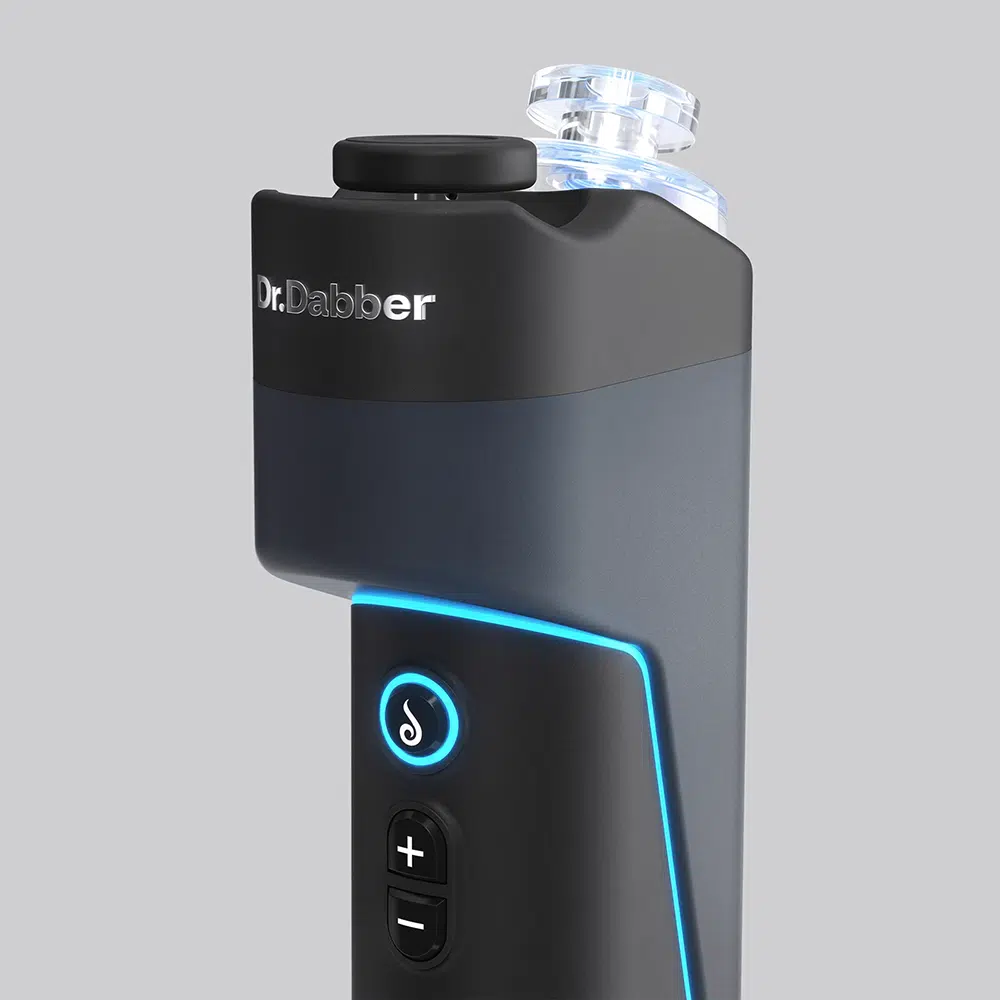
The Dr Dabber Switch 2 is the first e-rig with a built-in infrared sensor, and that one part changes how the device behaves more than anything else on the spec sheet. The original Dr Dabber Switch had no temperature sensor at all. It ran 25 pre-programmed power cycles and called them heat settings. The Switch 2 reads the insert temperature in real time and adjusts to it. If you owned the original, that is the upgrade you are paying for.
This Dr Dabber Switch 2 review covers what changed from the original, what the app added after launch, where the device falls short, and who should skip it. We stock the Switch 2, we support it, and the questions at the bottom of this page are the ones customers send us most.
A word on timing. Most Switch 2 reviews you will find were written at launch, when the app had three heating modes and no curve editor. Since then Dr Dabber has doubled the mode count, added custom curves, and quietly published a knowledge base note that contradicts its own spec sheet on dry material use. A review written today reads differently than one written in the first month. This one covers the device as it ships and updates now, with the manufacturer’s current documentation as the source for every number, and with our own gaps flagged rather than filled in.
Switch Dr Dabber Switch 2 Review - Upgrades
What changed from the original Dr Dabber Switch
Induction heat, now with an IR sensor
Both generations use induction heat. A coil in the base creates a magnetic field, and the insert warms from that field instead of from a wire element. That is why neither device has an atomizer to replace.
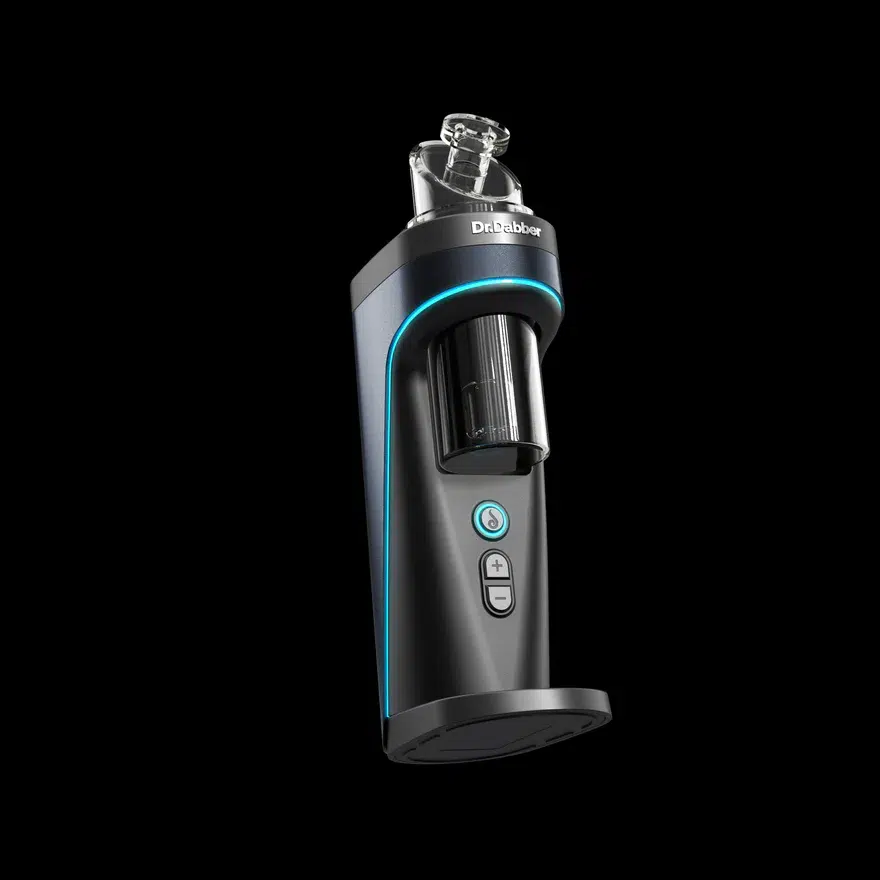
The difference is control. The original Switch modulated power, not temperature. It had no sensor in the well, so each “heat setting” was a power curve the engineers tuned ahead of time. The Switch 2 has a patented infrared sensor pointed at the insert. The app shows the insert temperature live, and you can set any point from 250 to 650 degrees F in 1 degree steps. On the original you picked from 25 steps and trusted the curve.
The material question
This is the section most original Switch owners need to read. The original Switch shipped with two ceramic coated titanium cups, a black Leaf cup and a white Oil cup, and Dr Dabber listed it as compatible with both dry herb and concentrates. The Switch 2 spec sheet lists one material: concentrate.
There is a wrinkle. The Switch 2 knowledge base on Dr Dabber’s support site says the device works with dry material when you use the optional Titanium Insert, and it recommends that insert for loads with a lot of plant matter. The product page spec sheet still says concentrate. Those two pages disagree, and we have not run dry material through a Switch 2 ourselves. Treat the knowledge base note as a manufacturer statement, not a promise. If dual use was the reason you bought the original, do not buy the Switch 2 expecting the same thing out of the box. The kit ships with a quartz insert, and quartz is for concentrate.
Insert size and the quartz insert
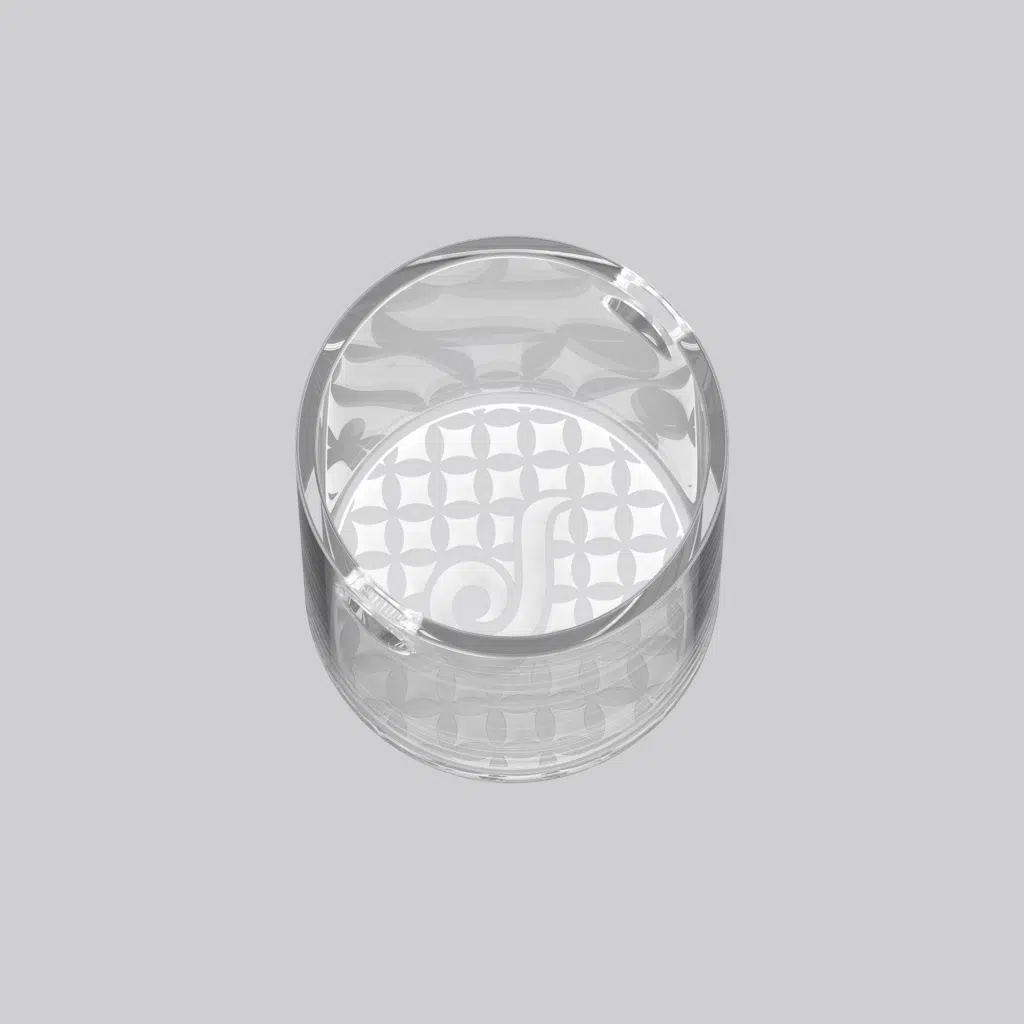
The original used small induction cups. The Switch 2 uses a 20mm single crystal insert. Dr Dabber puts the volume increase at 300 percent over the original. In practice that means it handles a rice sized load or a full gram without the puddle climbing the walls. The quartz insert is in the box. The Switch 2 Sapphire Insert (Dr Dabber calls it the Sapphire Plus) is sold separately. It is the same shape in a harder, smoother material. Neither insert is covered under warranty, and Dr Dabber says not to clean them with a torch.
Glass bubbler, carb cap, and hot knife
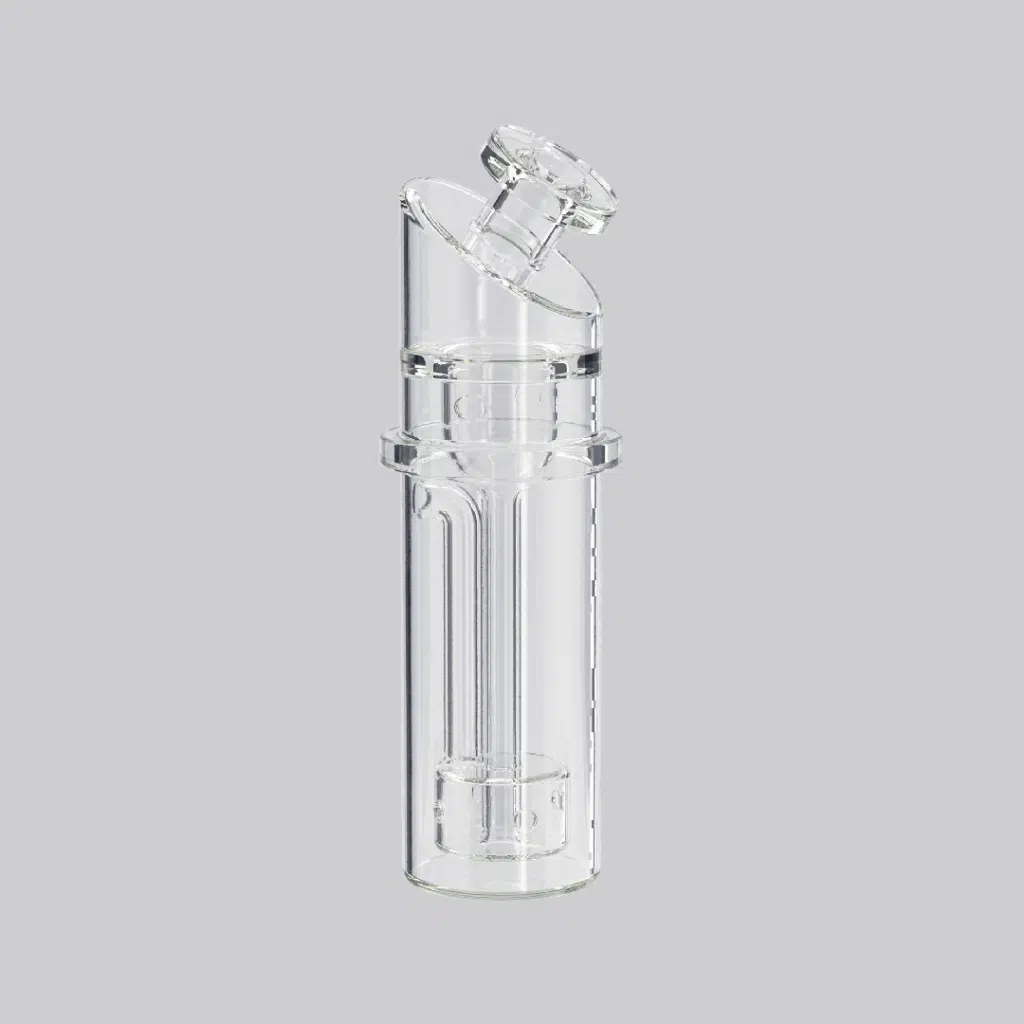
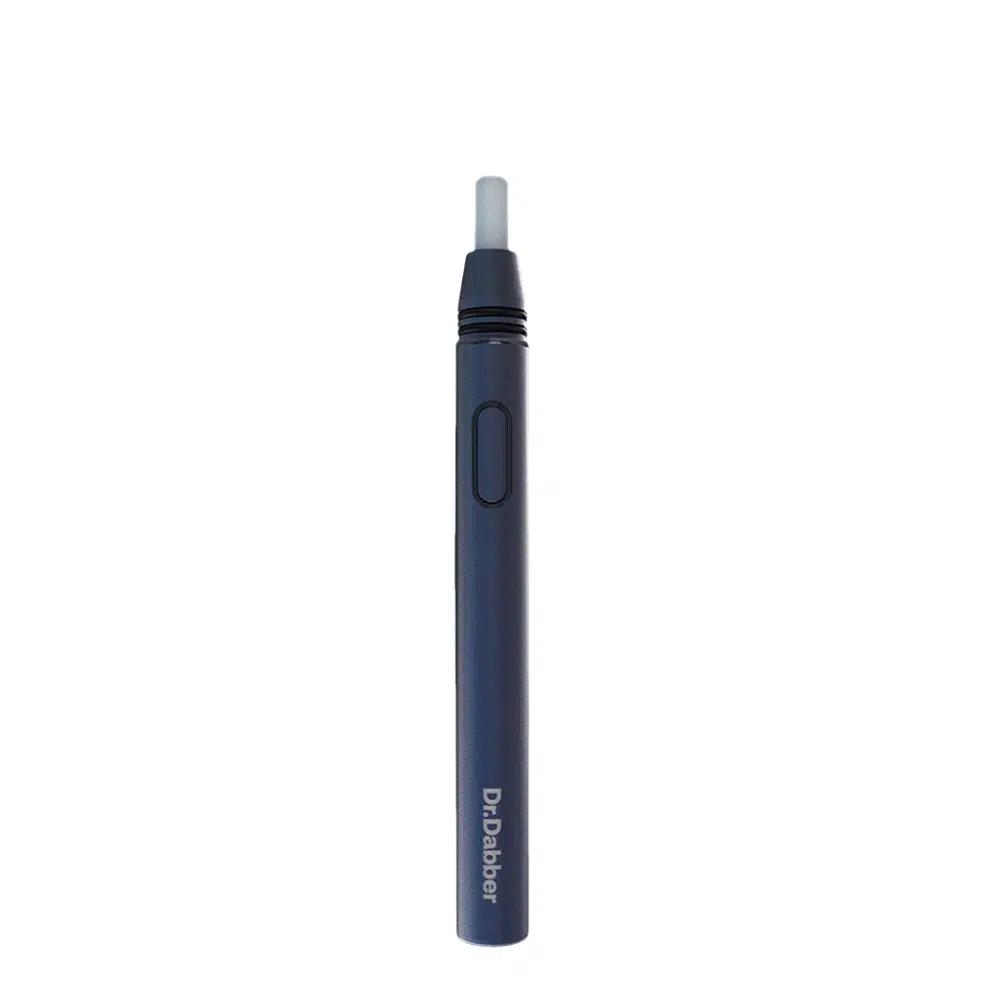
The glass bubbler sits on top of the unit and lines up with a glazed ceramic cloud pathway. Fill it just above the perc holes. The carb cap is magnetic and rests on the heating chamber, not on the glass. The included hot knife is the Dr Dabber Drop, a battery powered heated loading tool. Hover it over the insert and click once. Do not touch the tip to the insert, because the induction field can damage the electronics inside the Drop. Original Switch glass and caps do not carry over to the Switch 2.
Products listed in this article

Dr Dabber Switch Go
$ 449.95 CAD
Dr. Dabber Switch² Sapphire Plus Insert
$ 179.95 CADDr. Dabber Switch²™ Incycler Glass Attachment
$ 189.95 CADDr.Dabber Drop Electric Heat Loading Tool
$ 59.95 CAD
Dr Dabber Switch² Induction eRig
$ 575.95 CADPuffCo Peak Pro 3DXL
$ 600.00 CAD
The app and Dynamic Heating Modes; one year on
When the Switch 2 launched, Dr Dabber listed three Dynamic Heating Modes: Descent, Ascent, and Steady. Most of the reviews in Google’s top results were written at that point. The current app lists six: Descent, Ascent, Steady, Hill, Valley, and Custom. If you read a launch review, you read about half the device.
Descent mode and steady mode
Descent mode is the default. The unit reaches your set temperature, then lets it fall about 1 degree per second to copy the way a torched banger cools. Ascent does the opposite and climbs during the hold. Steady mode holds the set temperature for the whole cycle and corrects for load size and draw rate, which is how most e-rigs work. Hill climbs and then falls. Valley falls and then climbs.
Custom mode is the piece the launch reviews never saw. You draw your own curve. The app caps heating at 10 degrees per second and cooling at 3 degrees per second. Hold time runs from 10 to 90 seconds, with 30 as the default. Every button on the unit stores its own temperature, hold time, and mode, so five presets can be five different curves.
Getting connected
Android users install the Dr Dabber app from the Play Store. iPhone users have no App Store app; they install the LabLink browser and open drdabber.app inside it. That two-step setup trips people up, and it is the most common Switch 2 support question we get. The unit may also ask for a firmware update on first connection. Let it finish before you close the app or let your phone sleep.
Temperature control on the unit
You do not need the app day to day. The five default vapor profiles are 400, 440, 480, 500, and 540 degrees F. Cycle through them with the plus and minus buttons; each has its own LED light. Change a profile once in the app and the unit keeps it after you close the app or power off.
Battery life and charging
Dr Dabber rates the Switch 2 at up to 30 heating cycles on a full charge, with a full charge taking about an hour on the included 36 watt USB-C adapter. Some third party listings claim 50 cycles. That number does not come from Dr Dabber, and we plan around the official figure. Higher temperature settings and longer hold times pull the count down.
Pass through charging is the feature that makes the count matter less. Plug it in and keep going. The cells are LiFePO4, and Dr Dabber recommends charging from below 15 percent and unplugging once full rather than leaving it on the charger. The Switch 2 carries a 2 year warranty on battery, charger, and electronics, double the 1 year on the rest of the current Dr Dabber lineup.
Where it sits in the current Dr Dabber lineup
Switch 2 vs Switch Go
The Switch Go is Dr Dabber’s answer to “make the Switch smaller.” Dr Dabber says it is 54 percent smaller than the Switch 2, and it weighs 12.8 ounces against 25.6. It shares the 250 to 650 degree range, the app, the Dynamic Heating Modes, and a quartz insert. The IR sensor stays exclusive to the Switch 2, and the Go gives up battery, at up to 20 cycles versus 30, with a 1 year warranty against 2. If the device lives on a desk, get the Switch 2. If it rides in a bag, get the Switch Go. Our Switch Go listing has the full specs.
Switch 2 vs the original Switch
Upgrade if you want real temperature control instead of power steps, a larger insert, or the app curves. Stay put if you rely on dry herb mode, or if your original still does what you need. The original Switch was always concentrate first; reviewers at the time called its dry mode the weak half of the device.
Where the Switch 2 falls short
- It is big. Nine inches tall, four inches wide, 25.6 ounces. This is a desktop rig that can travel, not a portable.
- The iPhone setup is clumsy. A web app inside a third party browser is a workaround, not a native app.
- Heat builds. Dr Dabber recommends a 20 minute cool down after three consecutive cycles. Long sessions hit that wall.
- Inserts are fragile and not under warranty. Quartz and sapphire both chip if you pull them hot. Run the cleaning assist cycle (100 degrees for 30 seconds) and let the unit cool first.
- The Switch 2 is 420 dollars US at Dr Dabber’s own store before you add the Sapphire Insert. It is the most expensive e-rig in the lineup.
Bottom line
If you own the original Switch and use it for concentrates only, upgrade. The IR sensor and the 20mm insert are the two biggest changes Dr Dabber has made to the Switch since it launched, and the app is a different product than it was a year ago.
If you own the original and lean on dry herb mode, keep it. The Switch 2 kit does not replace that use out of the box, and the Titanium Insert claim is unproven on our end.
If you want portability, the Switch Go has most of this feature set at half the weight and a lower price.
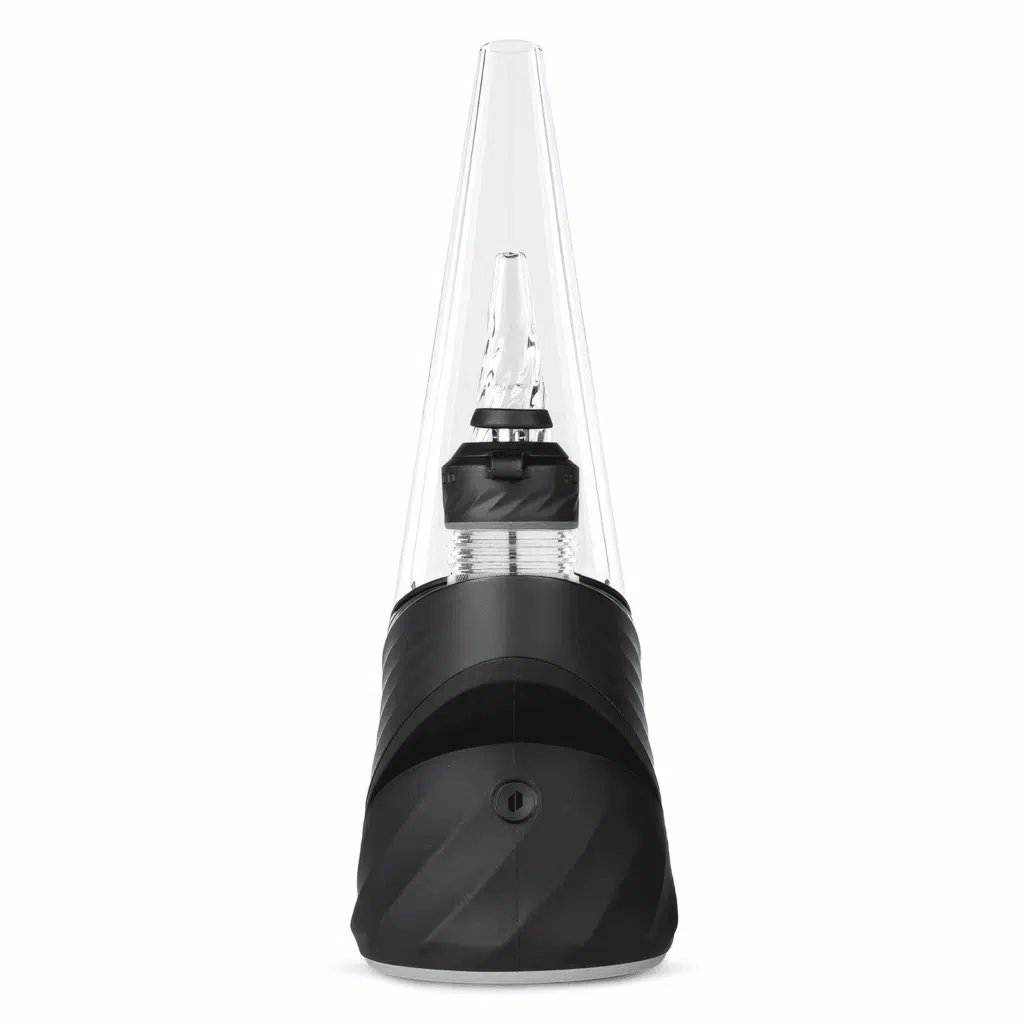
If you are weighing the Switch 2 against another brand, our Switch 2 vs Puffco comparison covers it against the Puffco Peak Pro, stock and upgraded. The short version: the Peak Pro replaces its chamber on a schedule, and the Switch 2 does not.
FAQs
Is the Dr Dabber Switch 2 worth it?
For concentrate users who want exact temperature control, yes. The infrared sensor and 1 degree adjustment are not offered on any other Dr Dabber device, and there is no atomizer to replace. It is not worth it if you need portability or dual material use; the Switch Go covers the first case, and nothing in the current lineup covers the second out of the box.
Can the Dr Dabber Switch 2 do dry herb?
The spec sheet says concentrate. Dr Dabber’s knowledge base says dry material works with the optional Titanium Insert. Those sources disagree, and we have not confirmed it ourselves. Buy the Switch 2 for concentrates. If dry material use turns out to work for you with the Titanium Insert, treat it as a bonus rather than the reason to buy.
Does the Switch 2 have an app?
Yes. Android users install the Dr Dabber app. iPhone users install the LabLink browser and open drdabber.app inside it. The app sets temperature in 1 degree steps, shows live insert temperature from the IR sensor, edits the six heating modes, and shows exact battery percentage.
How many dabs does the Switch 2 get per charge?
Dr Dabber rates it at up to 30 heating cycles per charge. A full charge takes about an hour. Pass through charging lets you keep using it while plugged in. Expect fewer cycles at higher temperature settings, with long hold times, or with the standby lights turned up.
Does the Switch 2 come with a hot knife?
Yes. The Dr Dabber Drop is in the box. It is a heated loading tool with its own battery. Hover it above the insert and click to drop your load. Keep the tip out of the heating chamber, because the induction field can damage the Drop.
What temperature setting should I use on the Switch 2?
Start with the default profiles. Dr Dabber ships the unit with 400, 440, 480, 500, and 540 degree F presets in Descent mode. Lower settings favor flavor and smaller clouds; higher settings favor cloud size. The IR sensor means the number on screen is the number at the insert, so you can adjust one degree at a time in the app until it hits the way you want.
About the Contributor

I’m Buster, the BlueJay with the fastest wings on the support team. When you need quick answers or help with your order, I’m the bird manning our FAQs and chats. I keep things snappy and straightforward, with just enough humor to make solving your problems a breeze. My mission? Getting you back to enjoying your products without missing a beat.

Piper’s Seeds Newsletter
When you sign up to be part of Piper’s seed bag you get:
- a 10% discount code to be used on any purchase
- Piper’s “Seed Bag” Newsletter, that is sent out twice a month
- Any special promotions only members would benefit from.